Outfits from your catalogue
Show matching tops, bottoms, outerwear, and one-pieces alongside the garment a shopper is trying on. Review product categories and save corrections in the app.
For Shopify apparel stores
Help shoppers preview your clothes on themselves, choose a size from your chart, and explore matching products. Add Woven Looks to your Shopify product pages.
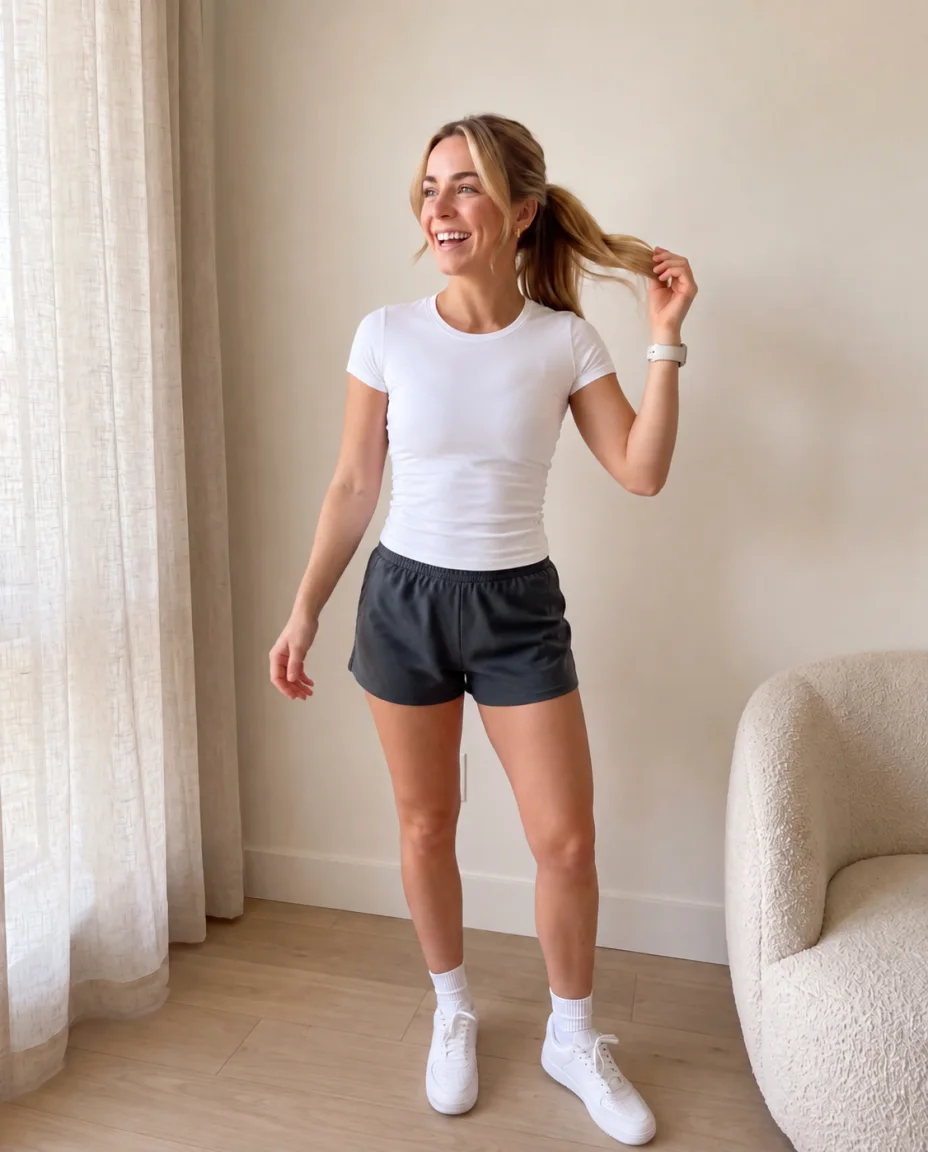
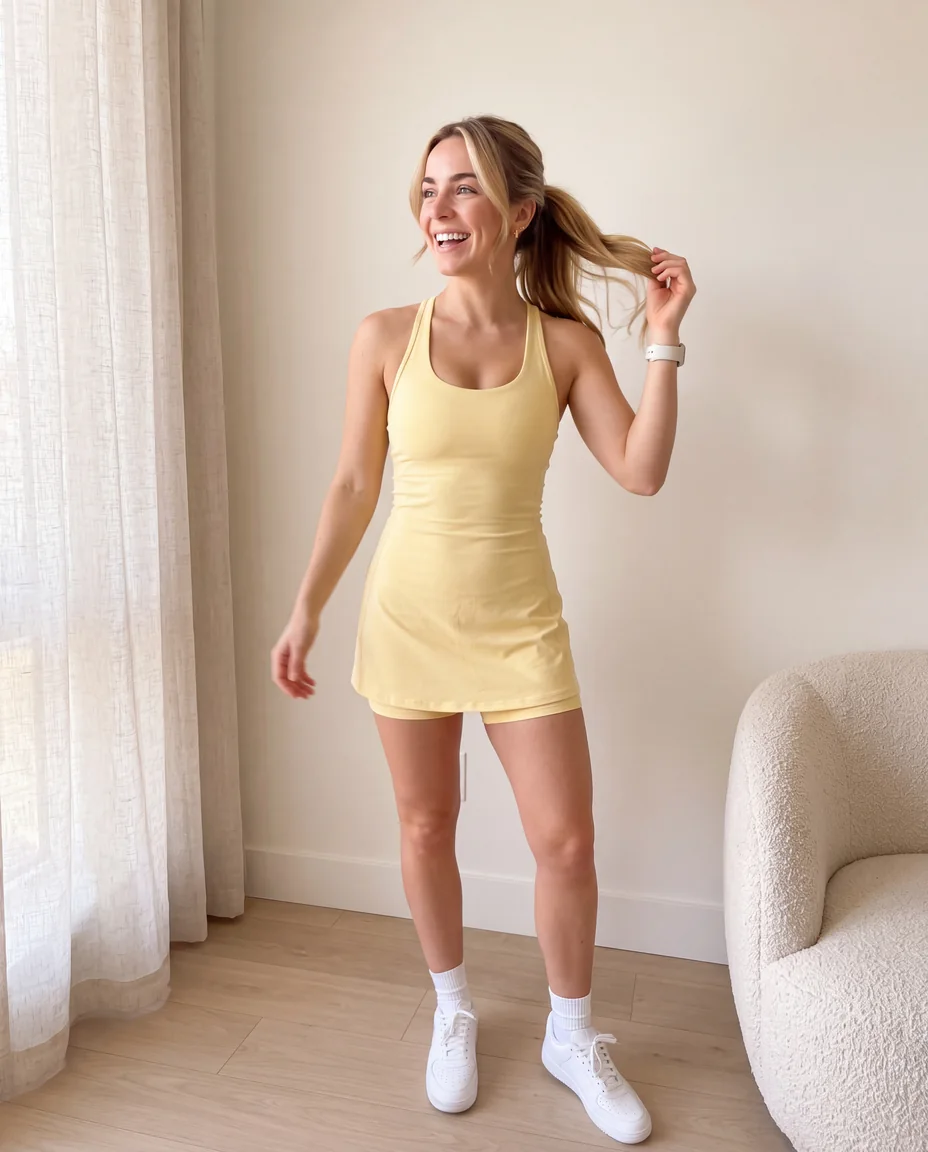
Three steps
Start with your own products. Preview the experience, then add the Woven Looks block to your product template in the Shopify theme editor.
Install the app to receive 25 try-ons. Test the experience with your own products before offering it to shoppers.
Scan your catalogue to identify eligible clothing. Tops, bottoms, dresses, and outerwear with a product image can display the try-on button.
Add the Woven Looks block to your product template in the Shopify theme editor. The button and script load on eligible clothing pages.
The shopper story
Shoppers can preview a garment, explore outfit suggestions from your catalogue, and get size guidance on the product page.
Illustrative AI imagery and example products. Virtual try-on previews appearance. Size guidance uses your size chart.
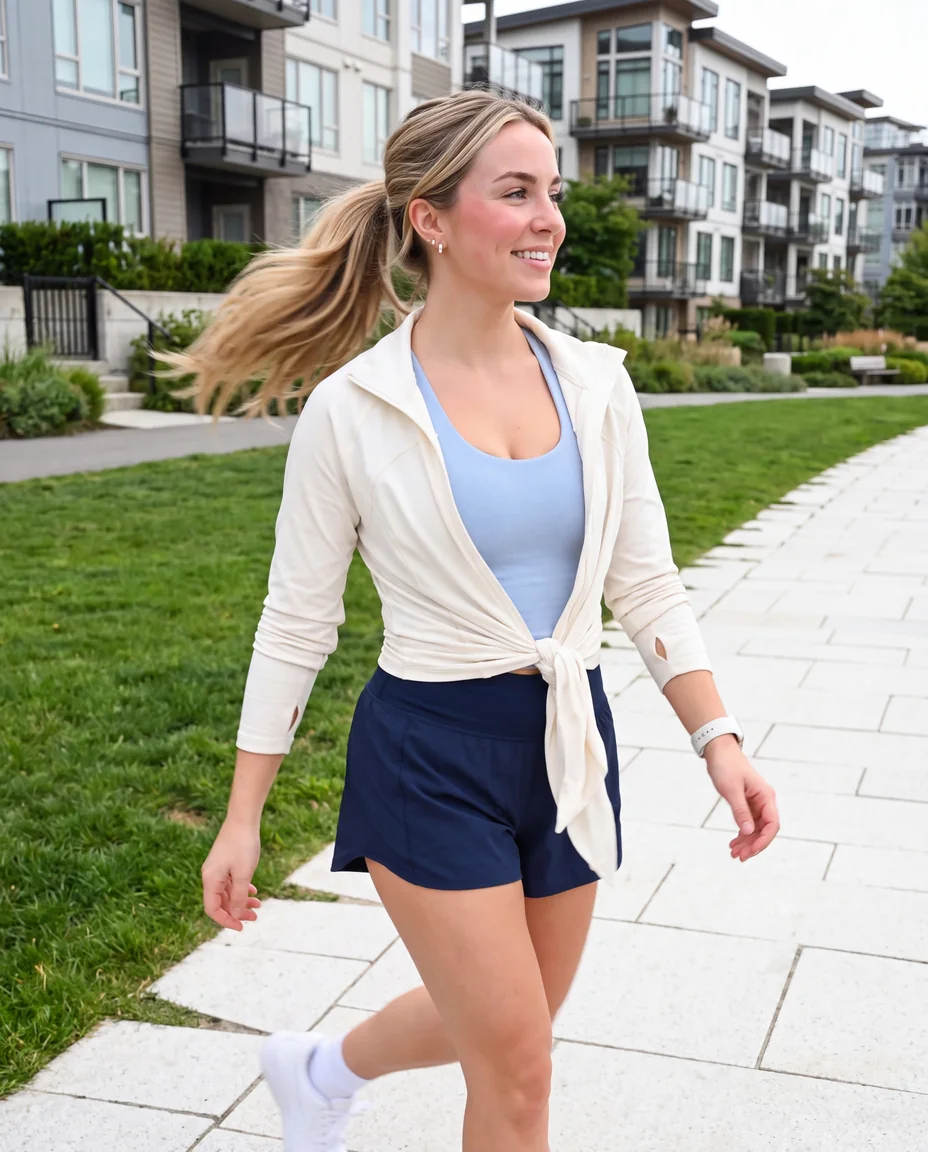
Original photo
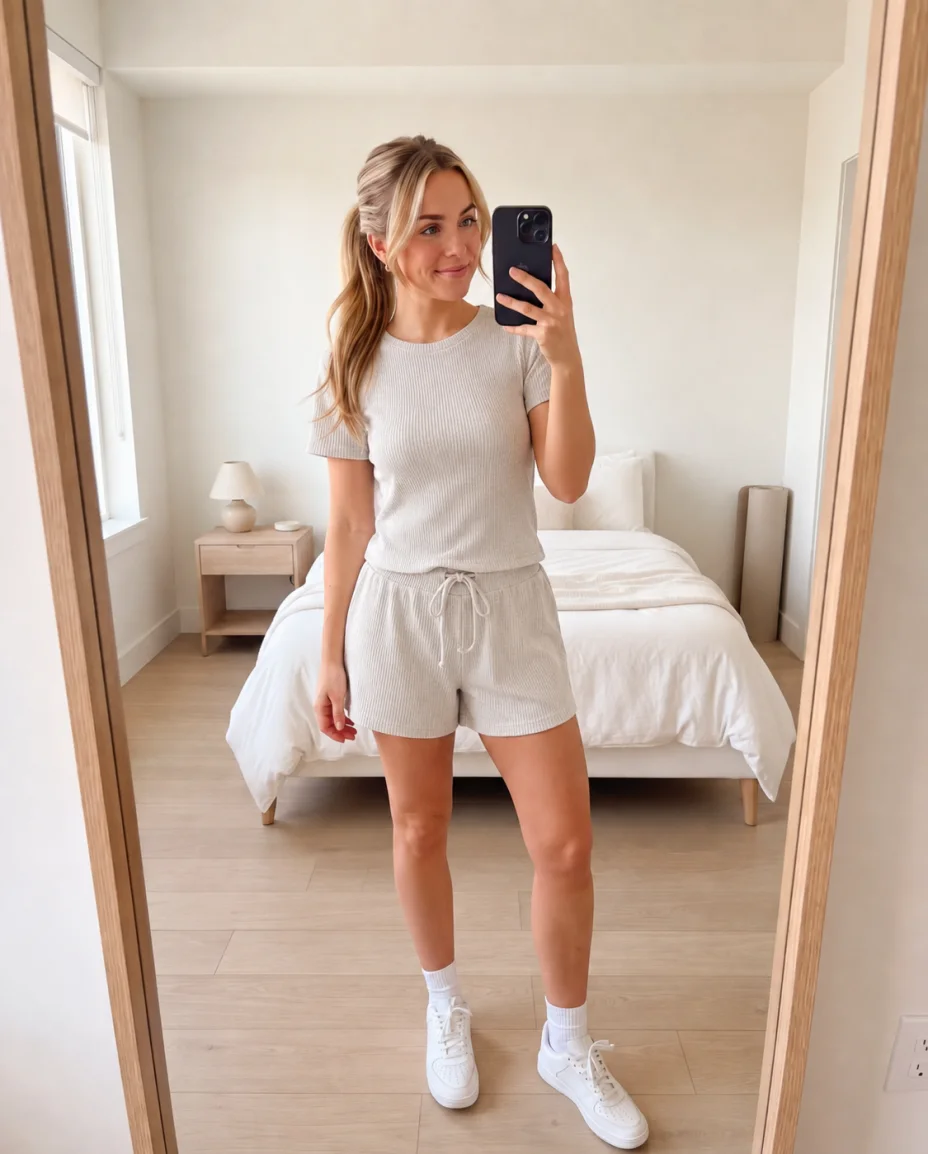
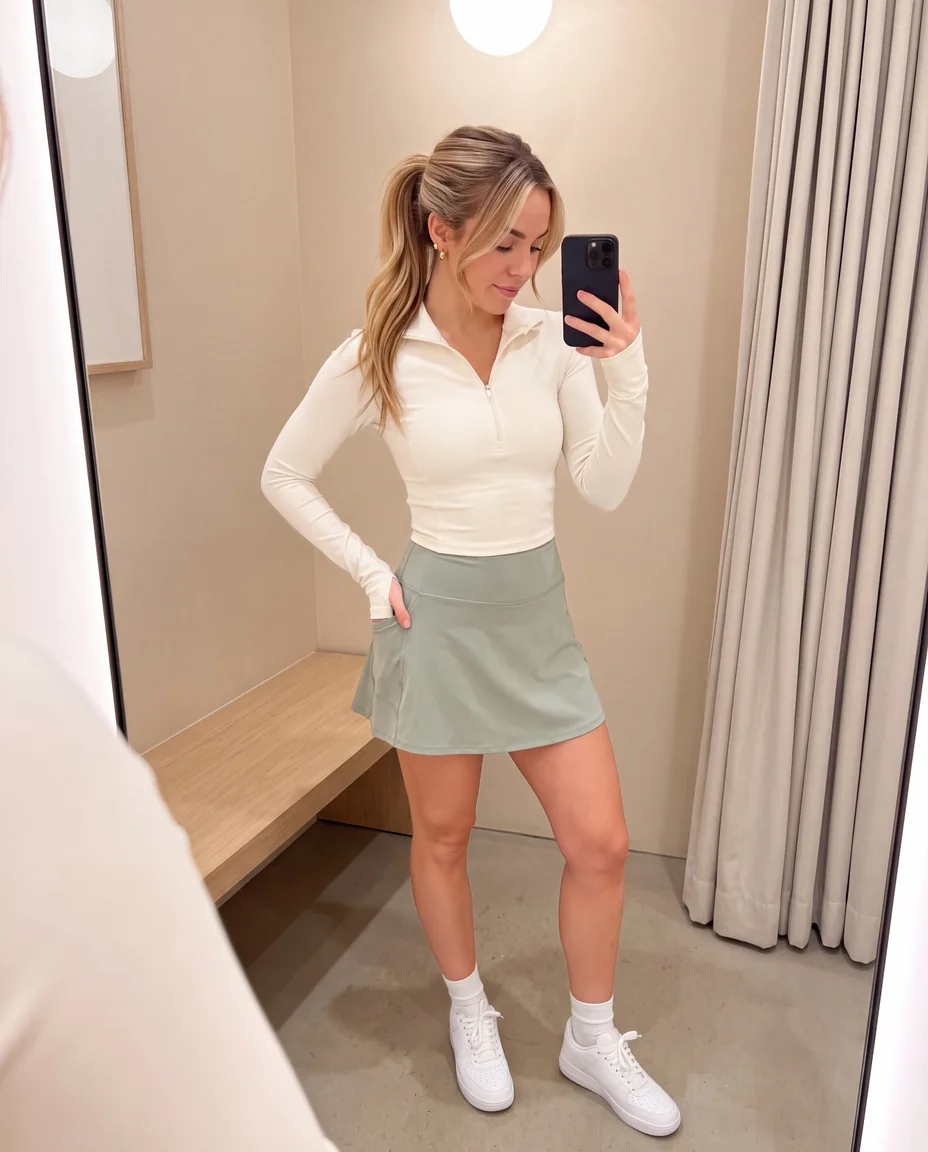
Styled with Woven
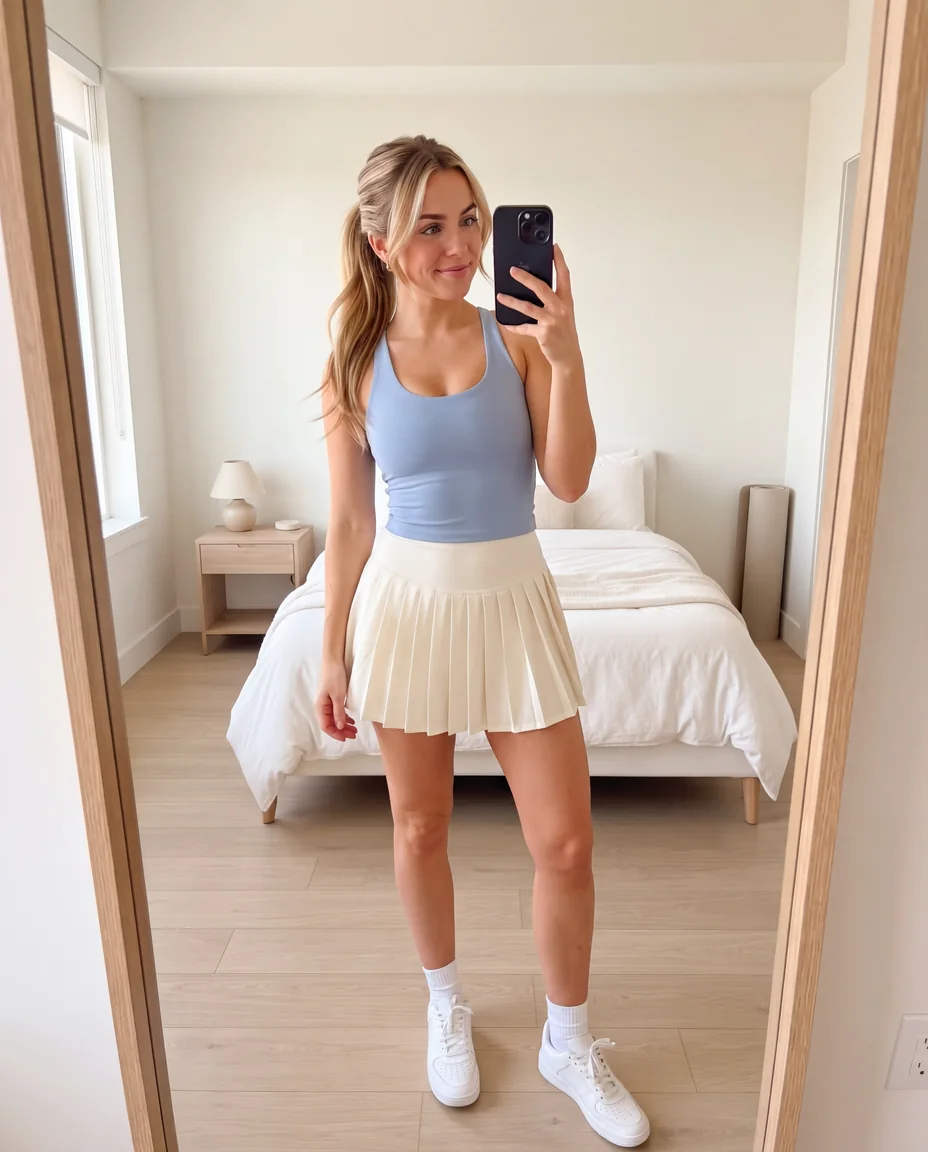
The same shopper previews a tank and skirt using their uploaded photo.
Suggest matching products from your catalogue alongside the try-on.
Show the recommended size and the measurements used to choose it.
What you get
Show matching tops, bottoms, outerwear, and one-pieces alongside the garment a shopper is trying on. Review product categories and save corrections in the app.
Show shoppers a recommended size and the measurement used to choose it. Add a size chart to a product to enable this guidance.
Signed-in shoppers can save previews in their Lookbook and measurements in their Fit card. They can return to these saved details on their next visit. Guests can also use try-on.
Add the block to your product template in the Shopify theme editor. It displays the try-on button and loads the script for eligible clothing products.
When a shopper submits the same photo and garment while a saved preview is available, Woven Looks reuses it. Reusing a preview preserves your remaining try-on allowance.
Photos
The photo is downscaled, stripped of EXIF data, and sent only to make the requested preview. A short-lived processing record may keep it briefly for a reliable retry; that record expires after five minutes and is cleared by an hourly deletion process. Woven Looks does not use shopper photos to train models.
Guest previews expire after 72 hours. Signed-in shoppers can keep their Lookbook until they request deletion or the merchant uninstalls Woven Looks.
Pricing
Start with 25 try-ons on install. Growth includes a 30-day trial so you can evaluate the experience with your own products. Reused previews are included.
$3,990/year
Virtual try-on for your clothing products.
$9,990/year
Track conversions, revenue, and outfit performance.
$19,990/year
Manage try-on across multiple storefronts.
Plans have fixed try-on allowances and no overage charges. New try-ons pause at the limit and resume after an upgrade or billing-cycle renewal. Plans are billed through Shopify.
Questions
Yes. Installing gives you 25 try-ons to test with your own products. Choosing Growth starts a 30-day free trial. Paid plans are billed through Shopify.
New try-ons pause, and shoppers see a message explaining the pause. Upgrade your plan or wait for the next billing cycle to resume. Available saved previews of the same photo and garment remain included in your plan.
Try-on supports clothing with a product image, including tops, bottoms, dresses, and outerwear. Shoes, bags, jewelry, and other accessories are excluded from try-on.
Size recommendations require a chart attached to the product. Virtual try-on uses the product image and works with or without a size chart.
Shoppers can try on garments as guests. Signing in lets them save their Lookbook previews and Fit card measurements for future visits.
The button uses your theme's typography and brand colour. The try-on window uses a consistent layout with its own styles. Woven Looks installs as a theme block on Online Store 2.0 themes.
Guest previews and fit profiles expire after 72 hours. Signed-in shoppers keep their Lookbook and Fit card until they request deletion or the merchant uninstalls Woven Looks.
25 try-ons on install. 30 days free on Growth. Billed through Shopify.
Start 30-day trial